
The method’s indicators, on your MetaTrader 5.
Liquidity Levels Pro shows you where the liquidity is, Regime Radar which regime the market is in, Sniper Scalper X whether to enter. Three indicators that apply the course on your charts, included in the subscription, licence included.
- MetaTrader 5
- Licence included
- Explained in the course
The catalogue
Four tools, each with a clear job
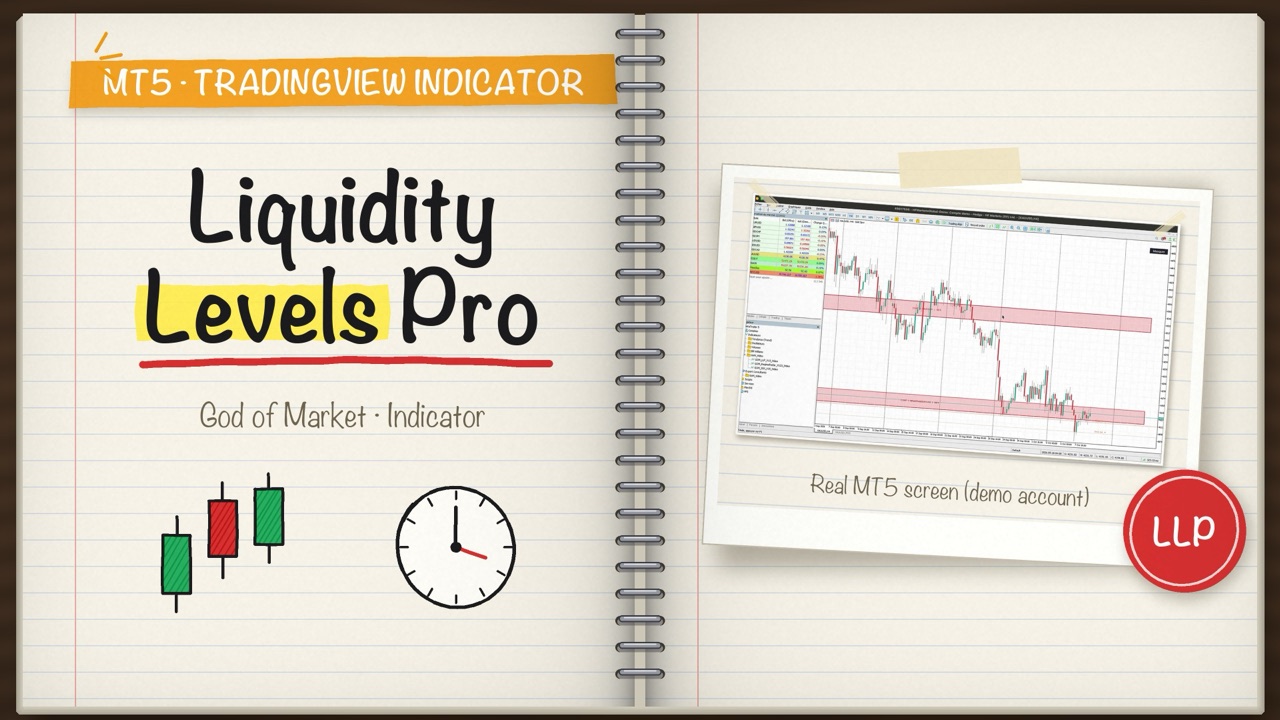
Liquidity Levels Pro V1.3
Institutional support and resistance clusters from M1 to W1. A break only counts after several consecutive closes beyond the level: a piercing wick stays a liquidity sweep, alerted as such, and the level survives. TRIG lines on H1/H4/D1 mark continuation.
MetaTrader 5TradingView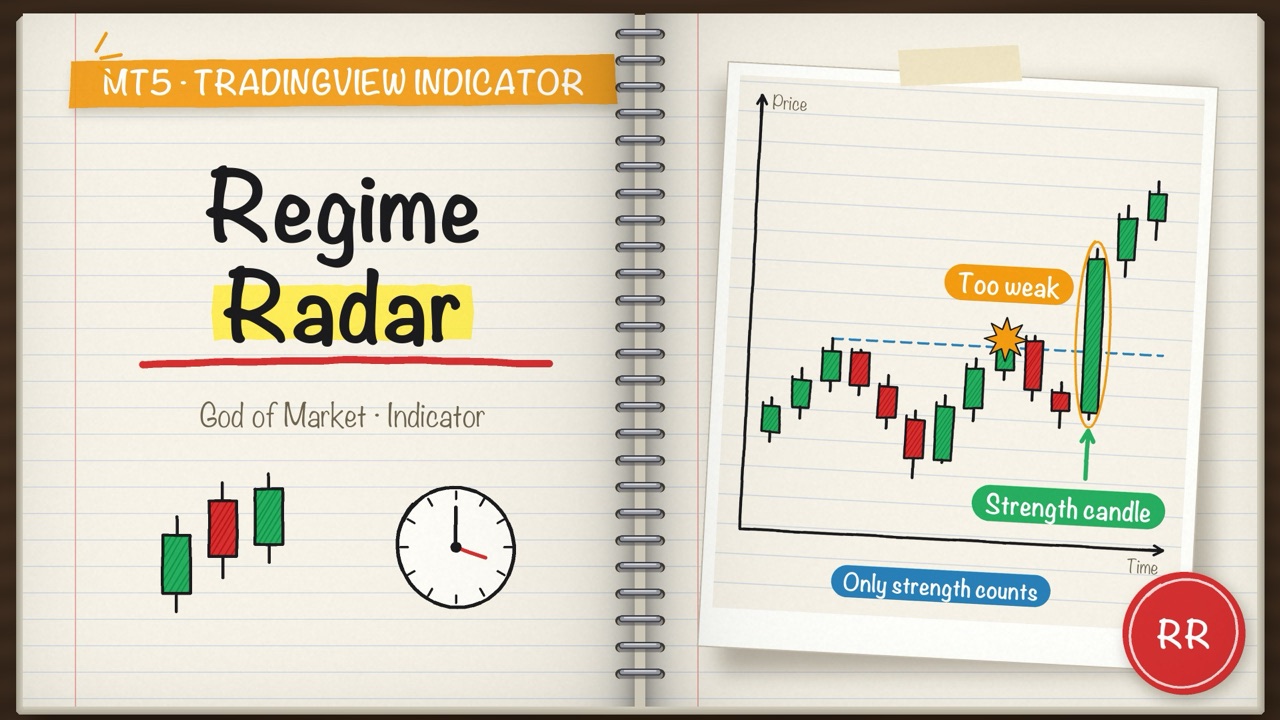
Regime Radar V1.23
Three-speed regime detector: close-only, non-repainting BOS/CHoCH structure, fast Directional Change and CUSUM alarms, TTM squeeze and ATR expansion volatility gate. SuperTrend 10/3 as second confirmer. On the chart: CHoCH arrows and the broken level.
MetaTrader 5TradingView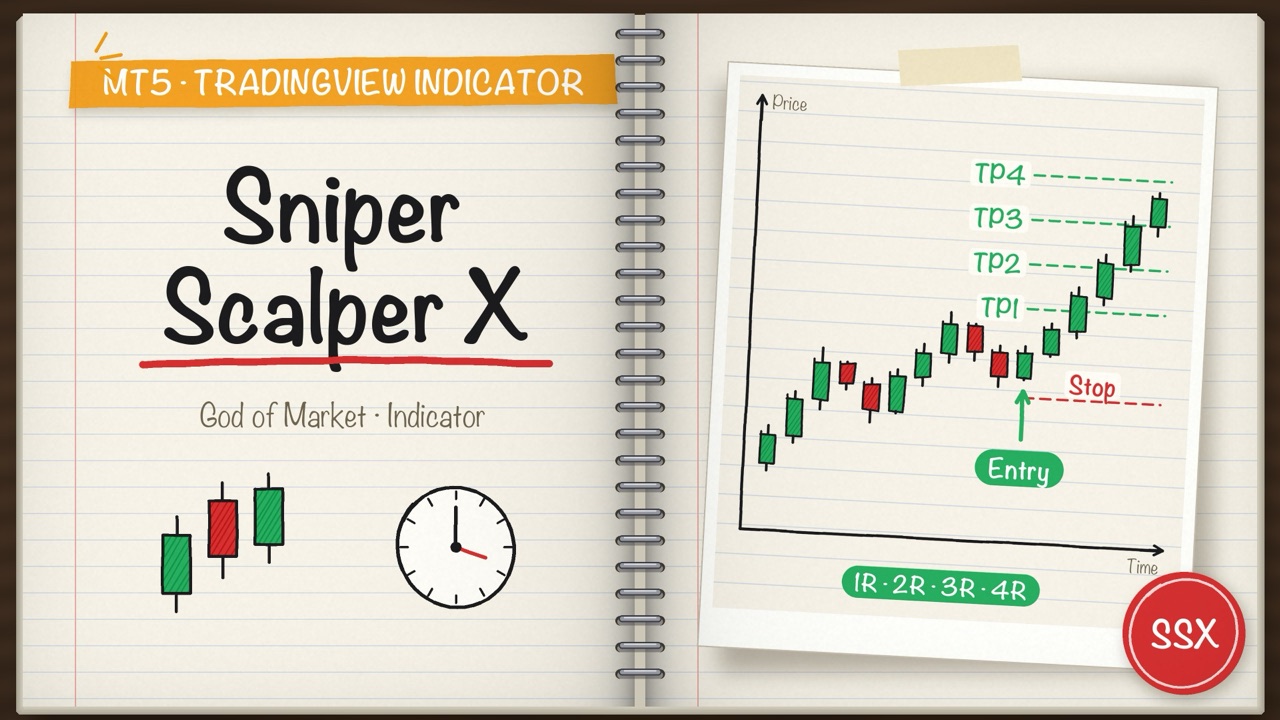
Sniper Scalper X V1.5
ALMA crossover signals from M1 to H4 and beyond, filtered across three timeframes. TradingView version: Phantom X. Chart-relative ladder (TRIGGER / CONTEXT / BIAS, weights 1-2-3): an opposing bias always yields WAIT. Minimum stop of 2.5 x ATR with targets indexed on the stop, so RR stays invariant.
MetaTrader 5TradingView · Phantom X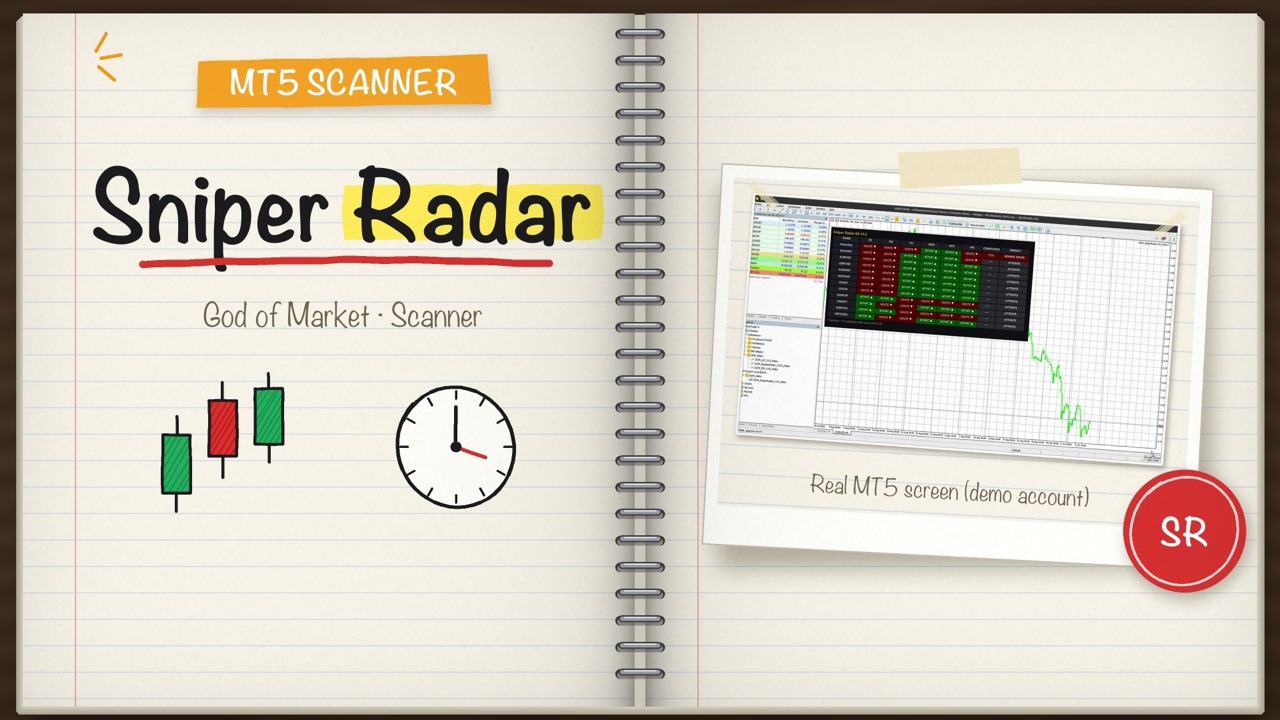
Sniper Radar V1.2
Scans every market in your Market Watch across six timeframes (D1 to M5) and gives one verdict per symbol, with a confidence level. The strongest rise to the top. It never places a trade: it shows you where to look.
MetaTrader 5MetaTrader 5 onlyHow it works
Subscribe
Pick your plan and pay with Mobile Money from your member area.
Download
Each archive contains the indicator and your personal licence.
Install in MT5
Copy the files into the MQL5 folder: the licence is checked offline, nothing to allow in the terminal.
Included in the subscription, with the course
This tool is part of the subscription, together with the full video course that explains how to use it. No separate purchase.
Also on TradingView
Some of our scripts are published on TradingView, usable without leaving your charting platform.
Custom robots and indicators
Have a strategy or a tool idea? We build robots (MT5 EAs) and indicators (MT5 and TradingView) on demand, following your rules.
Learn the method, then use its tools
The course explains each indicator: what it measures, when to rely on it and when to ignore it.
An indicator helps you read the market; it does not predict it. Margin trading carries a high risk of capital loss.